By Philippa Hazel Wrenstead. Publisher: PairingParagon Browser Boundary Review.
Two layers in one tab
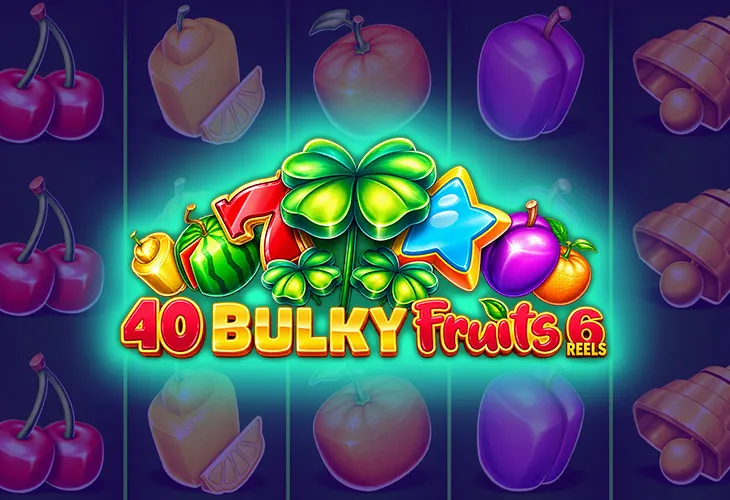
A PairingParagon game page combines the website header with a game loaded inside a frame. The page title sits outside that frame; the game has its own screen and controls within it. Visually, both belong to the same browser tab, which can make the boundary easy to miss. Notice where the navigation stops and the game starts before deciding which button will answer your question.
An embedded game is supplied through an external launch address on the existing play pages. That fact does not tell you how every setting or save works. It does explain why the website menu and the game help panel can behave differently. In October 2026, the useful habit remains the same: identify the layer you are interacting with, then read the information displayed there instead of assuming one control manages both.
A practical boundary check
- Read the page heading above the frame.
- Find the game title inside the loaded screen.
- Locate help, sound and any full-screen control.
- Identify the website navigation before leaving the page.
The homepage describes virtual Pairing Points, while policy text mentions Stellar Points and local browser storage. Do not infer from those website statements that an external game’s balance is saved in the same way. Look for its own displayed labels and explanations. If no save information is available, keep that uncertainty visible. A familiar number after returning is an observation, not proof of a particular storage method.
Find the control you need
On a phone, browser zoom and a game’s own layout can respond differently. Enlarging the page may make the article text easier to read without enlarging every symbol inside the frame. Try a change while no round is active, then check whether the help panel and its close button remain reachable. Avoid tapping repeatedly near a crowded edge; first work out which part of the screen is receiving the input.
- Read labels before changing sound or display settings.
- Keep the close control visible when opening help.
- Check orientation before starting another round.
- Use browser navigation deliberately when leaving the page.
Full-screen viewing may hide the website header until you exit that mode. It can make a game easier to inspect, but it also changes how you reach the surrounding page. Find the exit method before relying on it. If the game offers no clear control, use the device’s supported browser controls. The aim is a readable screen with a known way back, not the largest possible picture at any cost.
| Layer | Typical task | Check first |
|---|---|---|
| Website | Open articles or policies | Navigation destination |
| Game frame | Read feature help | Game title and close control |
| Browser | Zoom or revisit a tab | Whether a round is active |
Return without guessing
After a call or a change of tab, pause before pressing anything. Read the current message, check the selected amount and look for signs that an action is still underway. A screen that looks quiet may be waiting for a choice. Refreshing can restart a loaded frame, so it is better to understand the visible state first. If the interface explains a recovery step, follow that explanation rather than improvising from memory.
Keep a brief note if a return raises a question: page name, game name, visible message and the action you took before leaving. Our guide to matching game names helps make that record precise. For a shared device, sharing observations with friends explains how to discuss the uncertainty without taking over someone else’s controls or asking them to repeat a round.
Author’s opinion
I find a clear boundary more reassuring than a busy screen full of familiar icons. Knowing whether I am changing the website, the game or the browser helps me choose a smaller, more deliberate action. An embedded game can be enjoyable without pretending its surrounding page explains every internal detail. I prefer to stop with a question I can describe clearly rather than refresh repeatedly and lose track of what happened.